September Product Notes: AI Sourcing and the Team Performance Dashboard

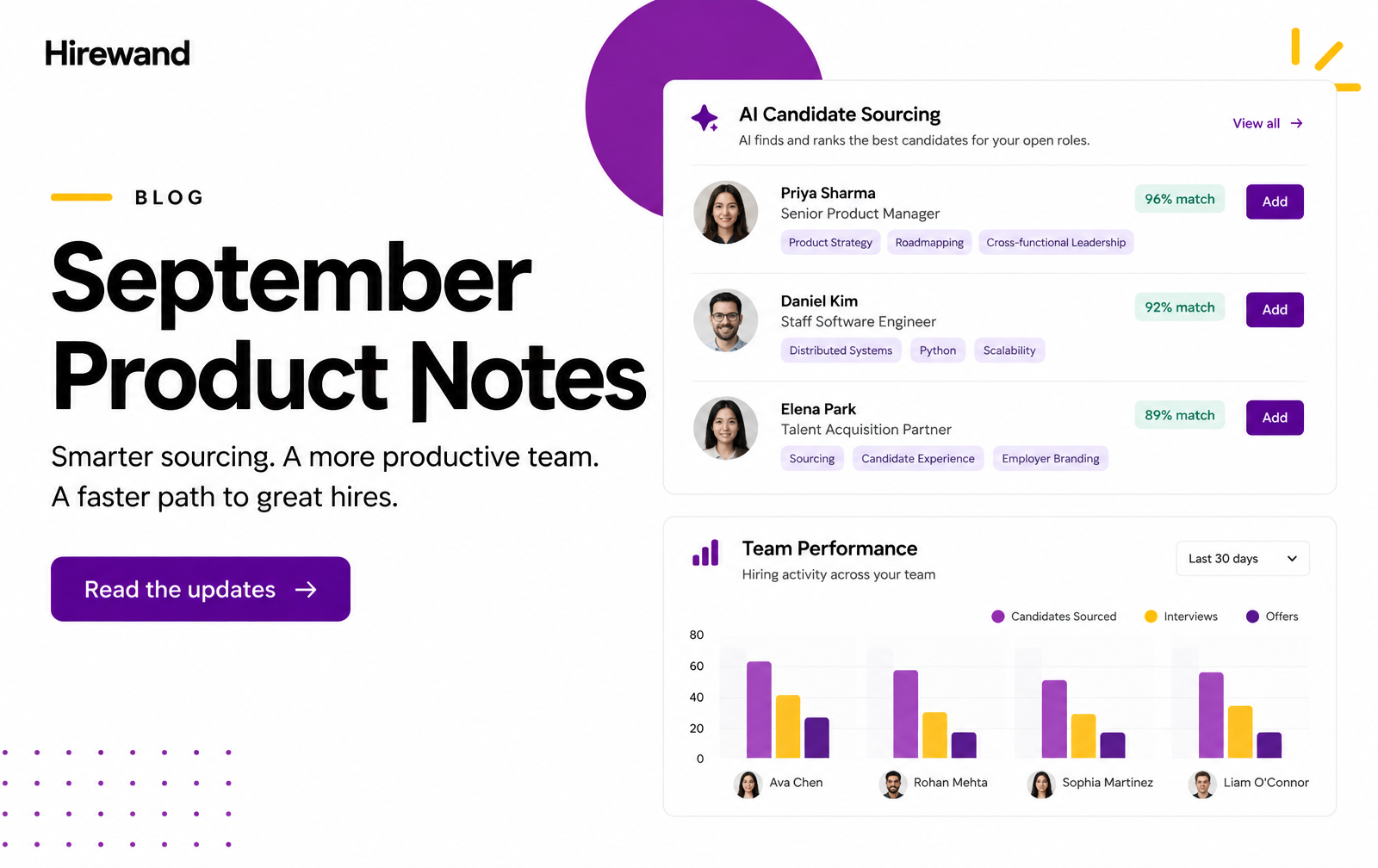
Two releases. Two questions every recruitment team asks, every single day.
"Who should I be calling for this job?" That one belongs to the recruiter.
"How is my team actually doing?" That one belongs to the manager.
Until now, answering either meant digging. Old pipelines, shared inboxes, pulled reports, a round of "where are we on this?" messages. In September, we shipped a feature for each question. Both are live in Hirewand today, and neither needs any setup.
Here is the short version of each. If one catches your eye, the full story is one click away.
1. AI Sourcing: your next hire may already be in your database
Every recruiter knows the blank search bar. A new job opens, and the hunt starts from zero.
But think about the candidate who just missed an offer three months ago. Or the person who replied "interested" last week and is still waiting. Or the resume that came in quietly and now fits a job that did not exist back then. They are already in your system. The problem is remembering they are there.
AI Sourcing remembers for you. It runs in the background on every job in your account and shows up as four tabs:
| Tab | What it does for you |
|---|---|
| AI Suggested | Reads each job's description and screening criteria, then keeps checking it against your whole candidate database. Matches are ranked Excellent, Medium or Low, and the list refreshes as new resumes arrive. |
| Job Matched | Finds past jobs similar to the new one and brings back their strongest candidates, labelled with where they came from (for example, "From similar job: AI Engineer Lead · Strong"). |
| Reachout | Collects every candidate who replied "interested" to AI Reachout, across all jobs, in one feed. No more replies lost in a shared inbox. |
| Dashboard | Brings all three together in one feed, grouped by job. For many teams, it is the first tab they open each morning. |
The best part? There is nothing to switch on. If you have active jobs in Hirewand, AI Sourcing is already working on them.
Will it find the hire every time? No, and it is not meant to. Some roles still need a fresh search. What it does is make sure you check what you already have before you start over.
Read the full story: Hirewand's AI Sourcing Explained →
2. Team Performance Dashboard: see your whole team on one screen
How many candidates did my team move today? Who is doing well this week? Who is falling behind? How many profiles reached clients?
Managers ask these questions constantly. The answers used to arrive late: in a weekly report, or after messaging every recruiter one by one. Now they are one tab away. Open your Hirewand home screen and click Team performance.
Three views, three rhythms of management
- Today shows each recruiter's work hour by hour, 9 am to 7 pm. Spot quiet hours and act the same day.
- This week shows Monday to Friday, day by day. A slow Monday or Tuesday is visible early, while there is still time to recover.
- This month shows every day of the month. See who works steadily and who has peaks and dips. It is built for monthly reviews.
Five numbers at the top give you the pulse of the team in seconds: total activity, this hour's activity, low-activity recruiters, on-pace recruiters, and how many recruiters are beating the company average.
A row for every recruiter shows total moves, client submits and pipeline activity, plus a High, Average, Low or None tag against the company average. Coloured bars show the pattern at a glance: darker green for busy, light pink for slow, empty for no activity. Everything updates live, and a search bar takes you straight to any recruiter.
What managers are using it for
- Morning stand-ups: open Today and see who needs support.
- Mid-week check-ins: open This week on Tuesday or Wednesday and fix a slow start.
- One-on-ones: open This month and talk about real numbers, not guesses.
- Recognition: your top performers are easy to spot. Appreciate them in front of the team.
- Coaching: high pipeline activity but few client submits? That recruiter is working hard, but profiles are not reaching clients. They may need help with screening or matching.
- Workload balance: if some recruiters are always stretched and others are not, share the work better.
It is already live on Hirewand, with nothing to configure. Open the tab and start using it.
Read the full story: Introducing the Team Performance Dashboard →
Two features, one idea
Put them side by side and a pattern appears. AI Sourcing helps recruiters decide where to start. The Team Performance Dashboard helps managers see how the work is going. Both answer a question with data Hirewand already holds, so nobody has to dig, ask or wait for it.
That is the thread running through everything we build: less time hunting for information, more time acting on it.
Coming next
Both features will keep getting sharper. On AI Sourcing, expect smarter recommendations and richer candidate insights. On the Team Performance Dashboard, expect more intelligent filtering and deeper recruiter performance insights.
As always, we are open to insights from other leaders — what is working, what is not, and what you would like these features to do next. Your perspective shapes what ships next.
Before you go: where does the time really go?
Recruiters are not slow. Sourcing is fast. Screening is sharp. Yet a role that should close in three weeks often takes three months.
Our research found that the real work inside a single hire adds up to just a few days. The rest is waiting: for approvals, for interview slots, for signatures. If that sounds familiar, our whitepaper maps all eight phases of enterprise hiring, where the days disappear, and nine changes that win most of them back.
Read the whitepaper: The Breadth of Enterprise Recruitment →
Short on time? The page also has a 2-minute executive summary.